01 / Discovery
AI content discovery
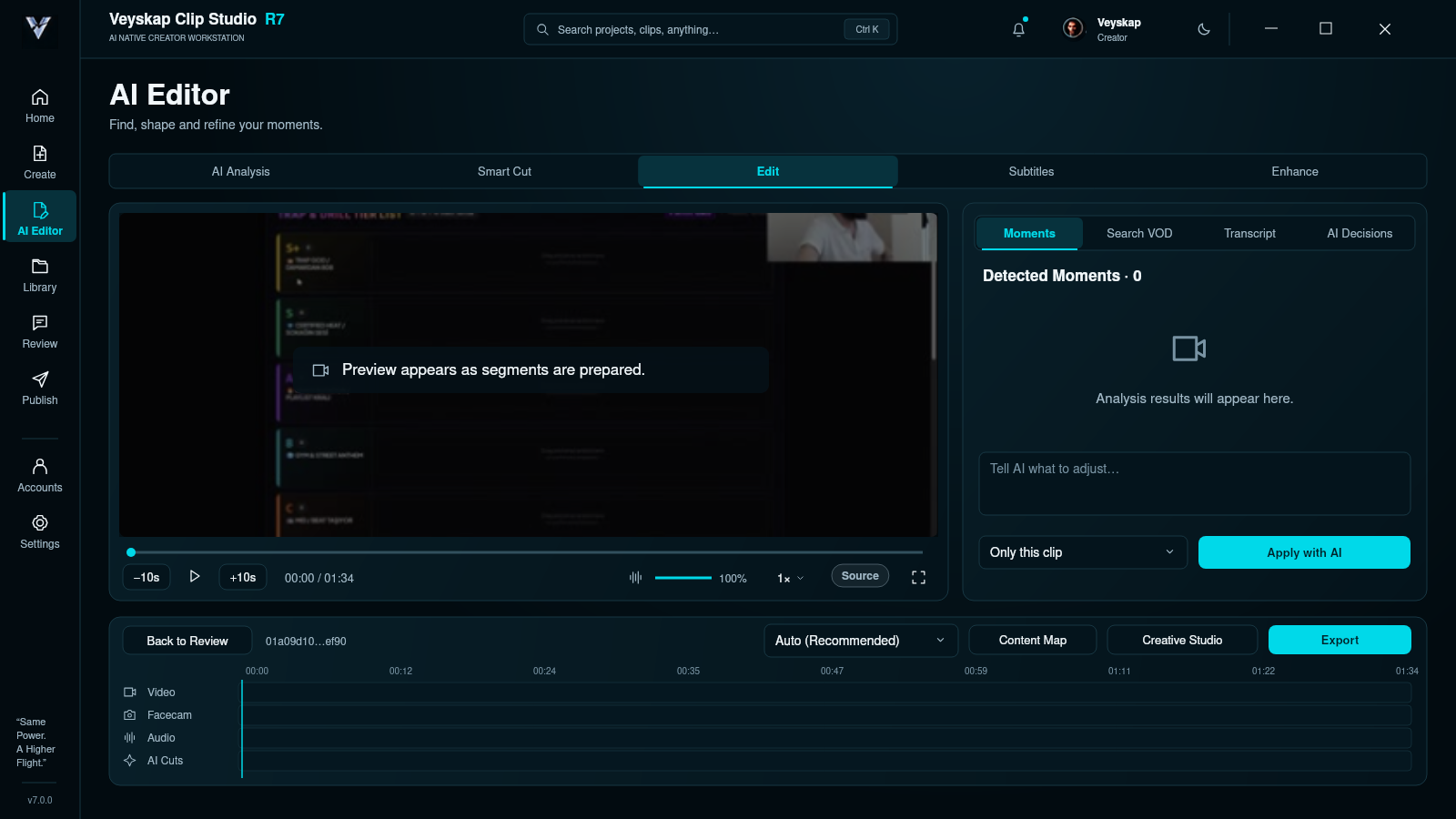
The goal is to evaluate reactions, strong conversations, gaming moments and visual events in context.
01 / Story and scope
From raw footage to powerful moments.
From powerful moments to your story.
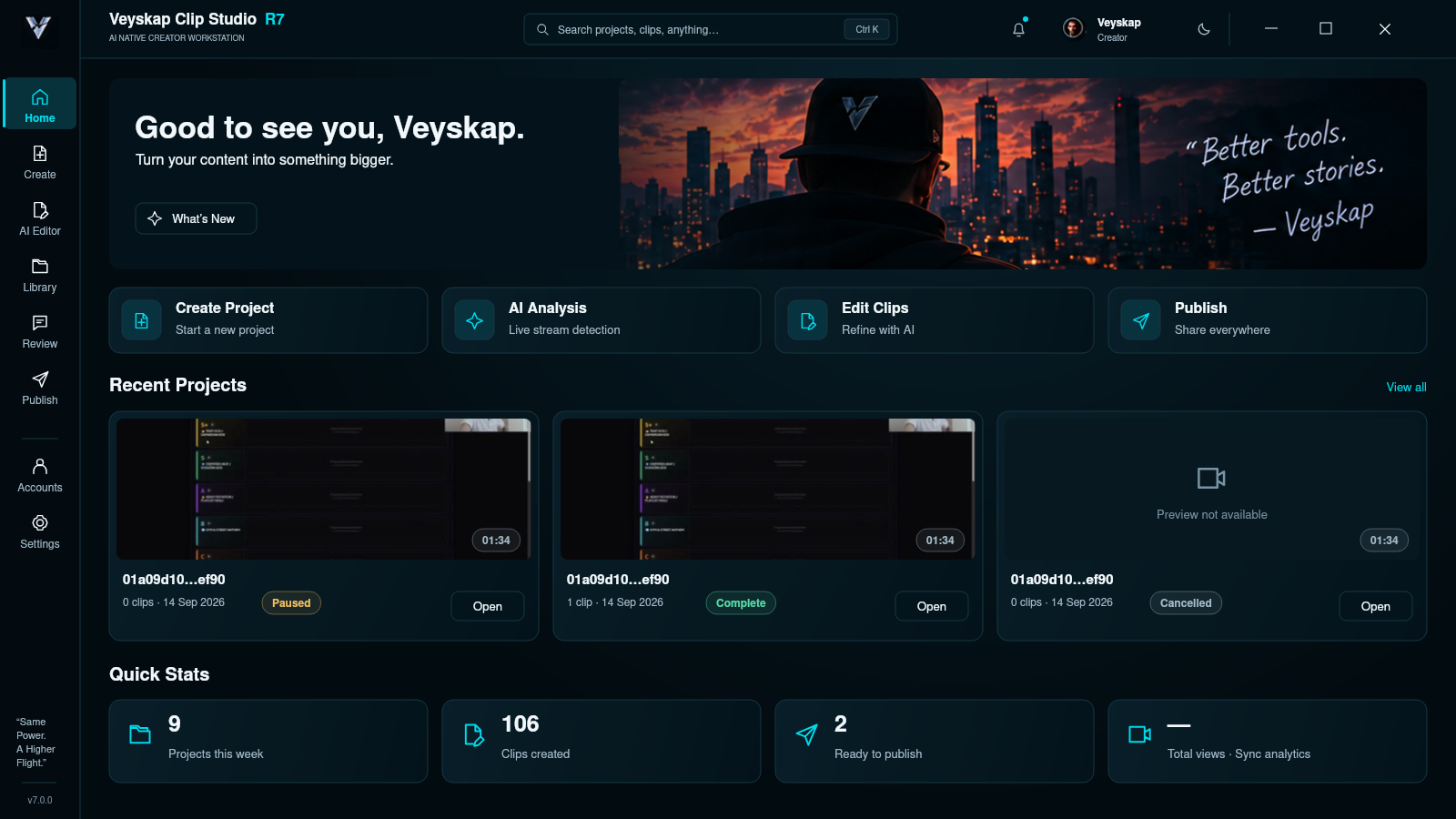
An AI-assisted Windows workspace designed to turn hours of broadcasts into watchable content. Discovery, editing and publishing preparation are parts of the same project.
This story describes the scope and design goals in the supplied product document. Working features in a specific release, provider connections and access conditions have not yet been verified.


02 / Why was it made?
Watching the recording, understanding the conversations, selecting good moments, adapting to a vertical format and building a longer narrative. Then come titles, subtitles, visuals and publishing preparation. Behind one recording are many disconnected tasks.
Clip Studio began with the idea of bringing this entire process into a single workspace.
The product approach goes beyond looking for loud moments. The goal is a discovery system that considers speech, visual events, reactions, rhythm and context together. A quiet scene can also be a powerful moment in a story.
“Giving creators their time back to make content, instead of watching a timeline.”
03 / Multi-AI architecture
The document treats discovery, transcription, visual search and editorial validation as separate tasks. The providers below describe this architecture; they are not a verified list of integrations for the current release.
04 / Core modules
The complete flow described in the document: understand the source, discover moments, shape a short or long narrative, prepare the package and move towards a publishing decision with human approval.
01 / Discovery
The goal is to evaluate reactions, strong conversations, gaming moments and visual events in context.
02 / Shorts
Shaping the selected moment’s range and performing a final editorial review for short content. Thumbnail work for Shorts is optional.
03 / Long-form
A workspace that brings chapters, story and context together in a long-video plan.
04 / Review
Accepting, rejecting, editing and reassessing candidate content, while keeping choices visible.
05 / Profile
A personal editing profile intended to learn from the user’s preferences and feedback.
06 / Thumbnail
Concepts, alternatives, creator identity, style controls and version history for titles and visual storytelling.
05 / The system behind the scenes
The product document’s goals for speed, cost and resilience extend to the work behind the scenes. This approach is not presented as measured performance or a guarantee of completed features.
Reusing shared and clip-level transcripts to reduce the need to process the same speech again.
Selecting the necessary AI steps for each kind of work, while retaining multiple evaluations when needed.
Limiting intensive analysis to strong content candidates instead of the entire recording.
Aiming to resume long operations from a saved point through checkpoints and crash recovery.
Considering metadata, destinations, queues and status tracking within the same project. User approval is essential for publishing.
Local video, Kick VOD and live-stream scenarios are within the document’s scope; current connection support has not been verified.
A goal of GPU processing on suitable NVIDIA hardware. This is not yet a verified minimum hardware requirement.
Bringing AI provider status, accounts and related settings together in a clear working context.
06 / The product approach
While discovery and repetitive technical work are left to the system, the creator determines the story’s direction and what gets published.
In Clip Studio’s documented approach, automation does not replace editorial judgement. A package ready for publishing does not mean content has been published automatically.